Power Sentinel

Remote Blackout Alert System

Power Sentinel detects the moment your electricity fails and alerts you straight away by email, SMS and automatic phone call — then tells you the moment it comes back on.

— VAT included · free delivery · no subscription
Buy now Sign in
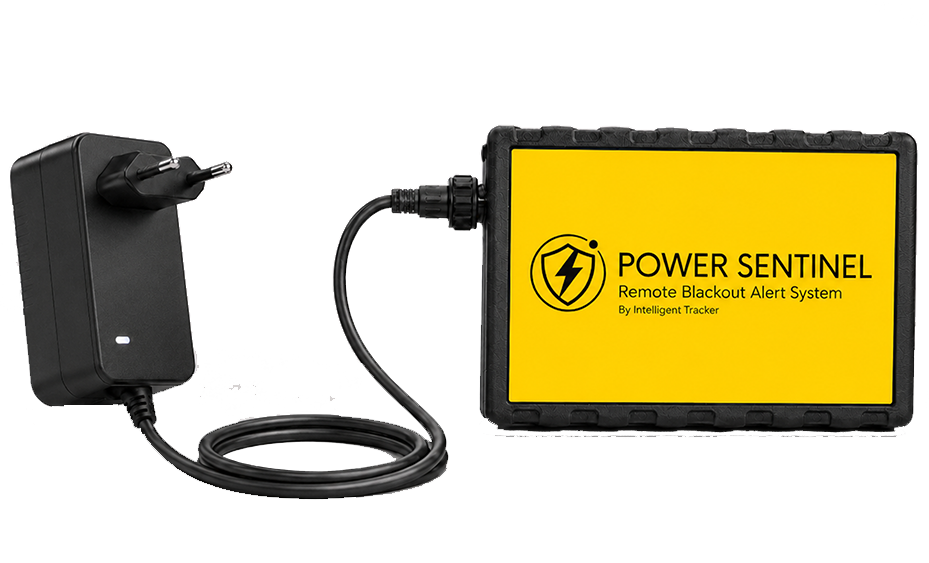
Power Sentinel power outage alarm with its mains adapter
Automatic phone call
No Wi-Fi required
Works out of the box

No subscription

The service is included. No recurring costs, ever.

  • ✓ No monthly fee
  • ✓ No activation charge
  • ✓ Mobile data included

What the power outage detector does

A simple device that keeps watch over your electricity supply, wherever it happens to be.

Outage and restore alerts

Detects the power cut and tells you when the supply is back.

No Wi-Fi required

Built-in mobile connectivity and a dedicated online platform.

No subscription

The service is included. No recurring costs.

Instant alerts

Email, SMS and automatic phone call to the contacts you choose.
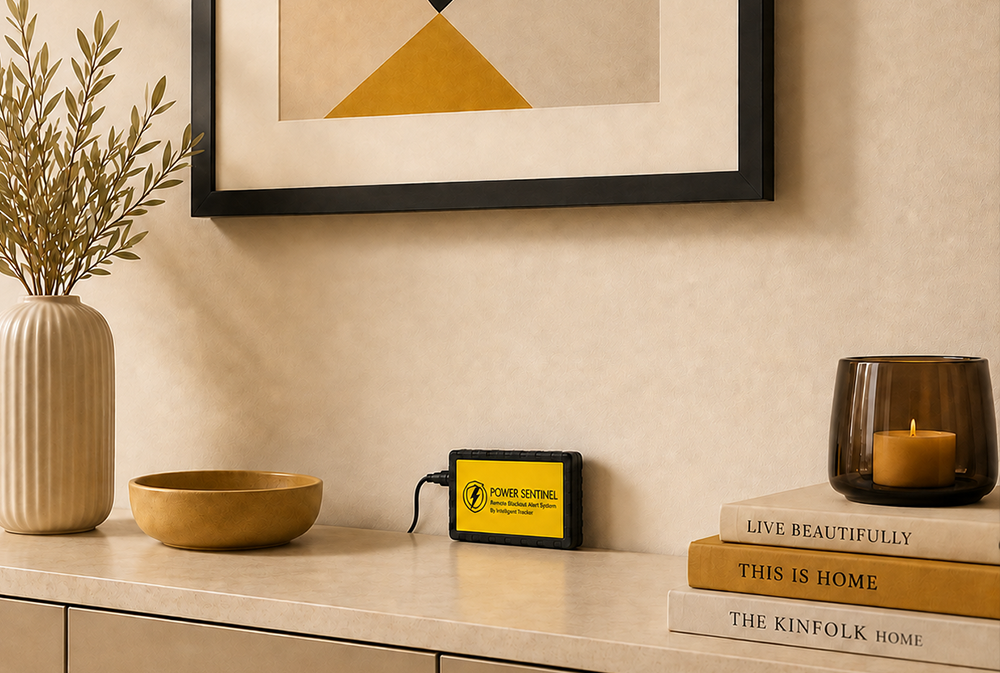
Power Sentinel power failure monitor installed at home

Where to use the power outage alarm

At home, at work or across your business — anywhere losing power costs you something.

At home

Keep an eye on your household supply, even while you are away.

In the office

Monitor workspaces, server rooms and equipment.

At your business

Straightforward oversight of every site and premises.

How to install the outage detector

Three steps and no engineer: you are up and running in a minute.

1

Plug the adapter into a 220 V socket

No wiring, no network configuration.

2

Connect the cable to the device

A single connector — impossible to get wrong.

3

Put it somewhere handy and out of harm's way

It is ready to go: it starts keeping watch immediately.
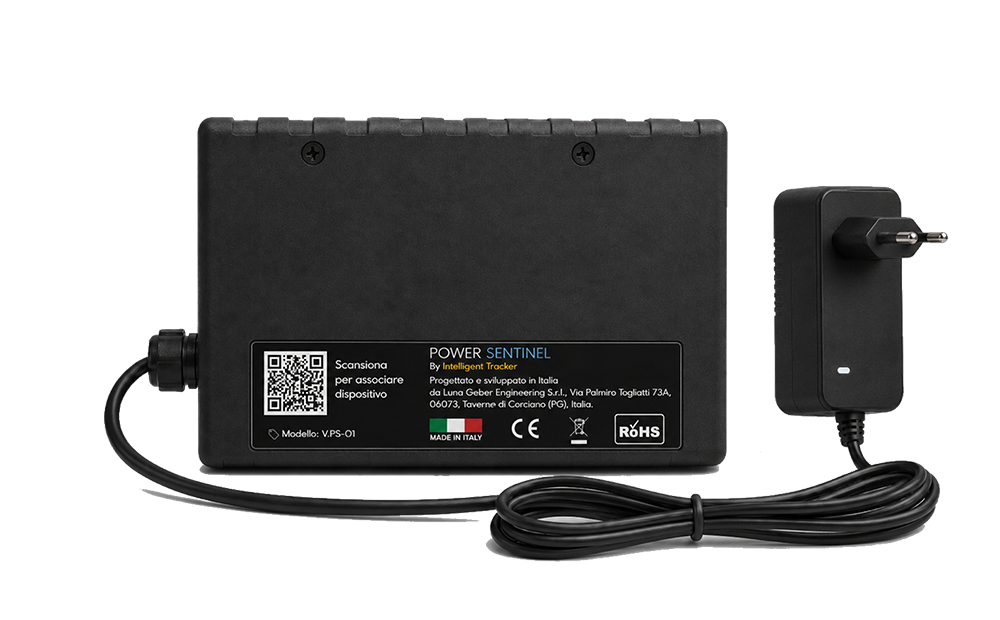
Back of the Power Sentinel device showing the activation QR code

How to activate power outage alerts

Activation and setup on the Power Sentinel platform, in four steps.

1

Scan the QR code

Use your phone camera on the code on the back of the device.

2

Your online platform

The QR code opens the activation page directly.

3

Add your contacts

The email addresses and phone numbers to alert.

4

Turn on notifications

Confirm the pairing and your device is live.

Your power monitoring platform

Check every one of your devices from your computer or phone: live status, full event history and control over who gets alerted.

Live status

See at a glance which devices have power and which do not.

Event history

Every outage on record, with the date, time and how long it lasted.

Several devices, one account

Home, office and business premises, all in one place.
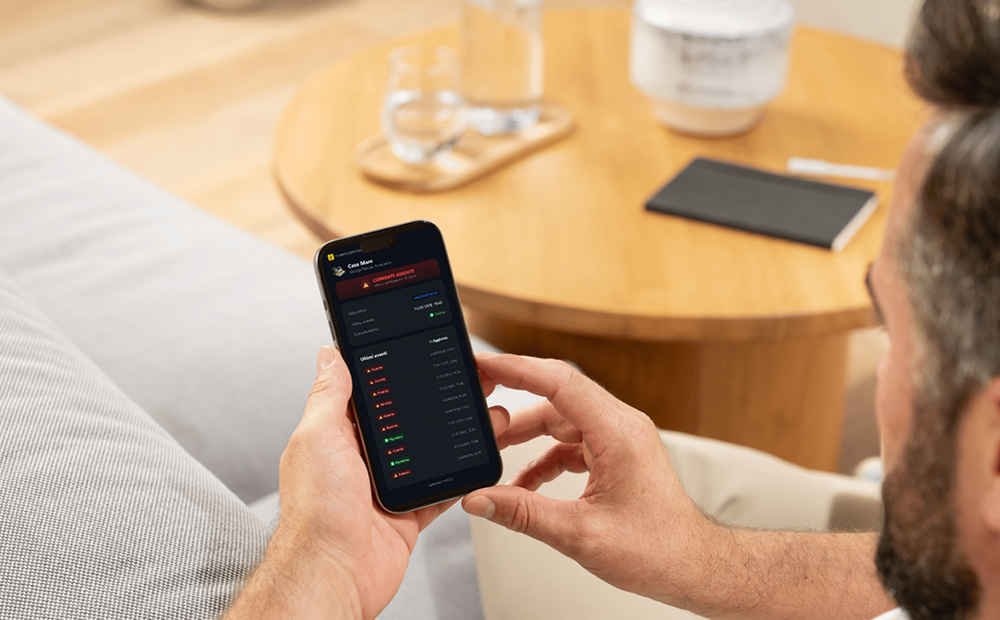
The Power Sentinel online dashboard

Power outage alarm: frequently asked questions

Answers to the questions we are asked most often.

+ Is there a subscription or monthly fee once I have bought the device?
No. You pay once and everything is included: the SIM and the mobile data the device uses to reach you are covered by the purchase price. There are no monthly fees, no renewals and no activation charges.
+ Will it still alert me if I have no Wi-Fi?
Yes. The system needs no internet or Wi-Fi connection at all: it works on its own built-in mobile connection. There are no networks, passwords or routers to set up.
+ How will I be alerted when the power goes out?
You get an immediate email alert, plus an SMS and an automatic phone call to the numbers you have set. You decide who gets alerted when you activate the device.
+ Will it also tell me when the power comes back?
Yes. You receive a second notification confirming the supply is back, including how long the outage lasted — useful for judging whether fridges, freezers or equipment were left without power for too long.
+ Are the calls and text messages unlimited?
No, they are not unlimited. The device comes with 50 alerts: one alert is either an SMS or a phone call, and you use them however you like. When they are running low you get an email with a top-up link, and you can also top up straight from your dashboard. Either way, the email alert always reaches you, even once the balance is gone.
+ How many people can I alert?
You can set up to 4 email addresses (one main and three additional) and 2 phone numbers. You can change them whenever you like from the platform, without touching the device.
+ Can I monitor more than one property or site?
Yes. You can link several devices to the same account and give each one its own name and icon (home, holiday home, business…). The platform shows you the status of all of them at a glance.
+ How hard is it to install?
It takes under two minutes and no engineer: plug the adapter into a 220 V socket, connect the cable to the device and put it wherever suits you. No wiring, no network configuration.
+ How do I activate it?
Scan the QR code on the back of the device with your phone: the platform opens, you enter your email and the contacts to alert, confirm the PIN sent to your inbox, and the device is live.
+ Can I see a history of past outages?
Yes. The platform keeps a full event history for each device, with the date, time and duration of every outage recorded.

Protect what matters to you

— · VAT included, free delivery, no subscription.

Buy now Sign in